

Social media
Theme settings → Social media has one field per network: Instagram, Facebook, TikTok, YouTube, Pinterest, X, LinkedIn, Yelp and Google Business Profile. Paste the full address of each profile you have and leave the rest blank; only filled fields show an icon.
The icons appear wherever a section asks for them:
- The footer's Text block, with Show social media icons on.
- The announcement bar, with Show social media icons on.
- The password page, while the store is behind a password.
Yelp and Google Business Profile are here because guests of a salon look for reviews before they book; put your review profile in and the footer carries it on every page.
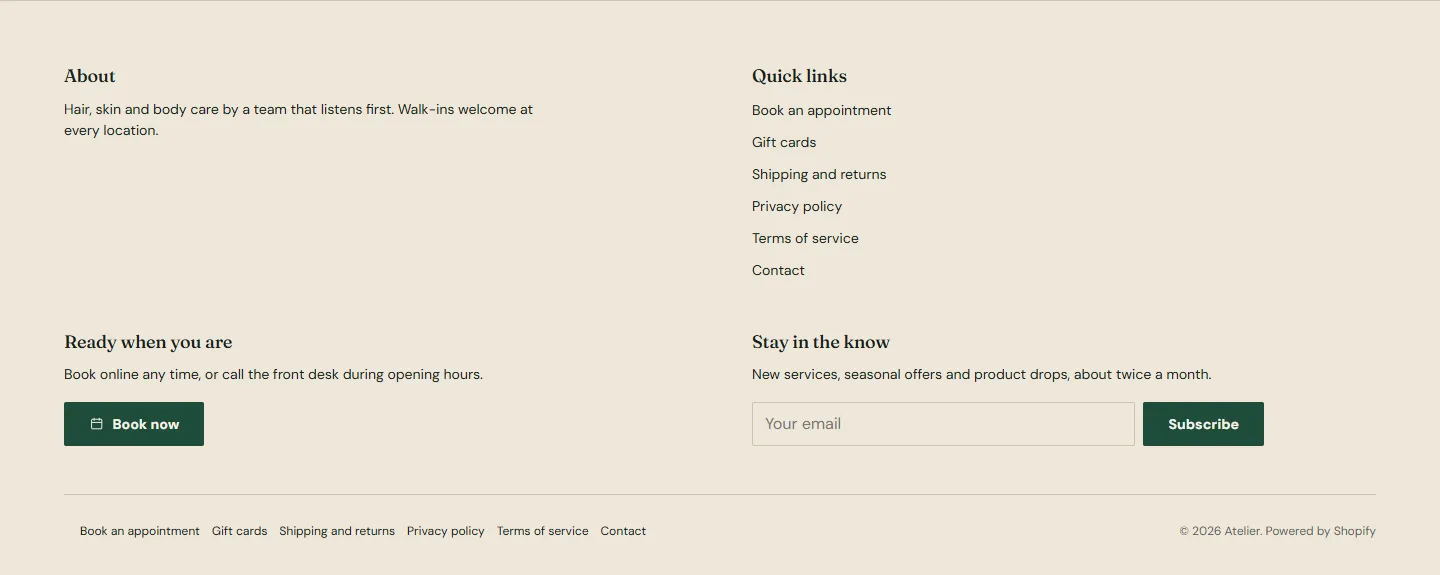
Theme settings → Social media
Every setting in this group- InstagramLink
- FacebookLink
- TikTokLink
- YouTubeLink
- PinterestLink
- XLink
- LinkedInLink
- YelpLink
- Google Business ProfileLink
Favicon
Favicon image under Theme settings → Favicon is the small icon in the browser tab and in bookmarks. Upload a square image; Shopify scales it down to 32 by 32 pixels, so a simple mark works better than a full logo. A PNG with a transparent background is ideal.
Theme settings → Favicon
Every setting in this group- Favicon imageImageWill be scaled down to 32 x 32 pixels.
Social sharing image
The image that appears when someone shares a page on social media is not set here. Shopify uses the product image on product pages, the collection image on collections, the article image on posts and, for everything else, the social sharing image set under Online Store → Preferences in your admin. Set that one to a landscape image at 1200 by 630 pixels.