

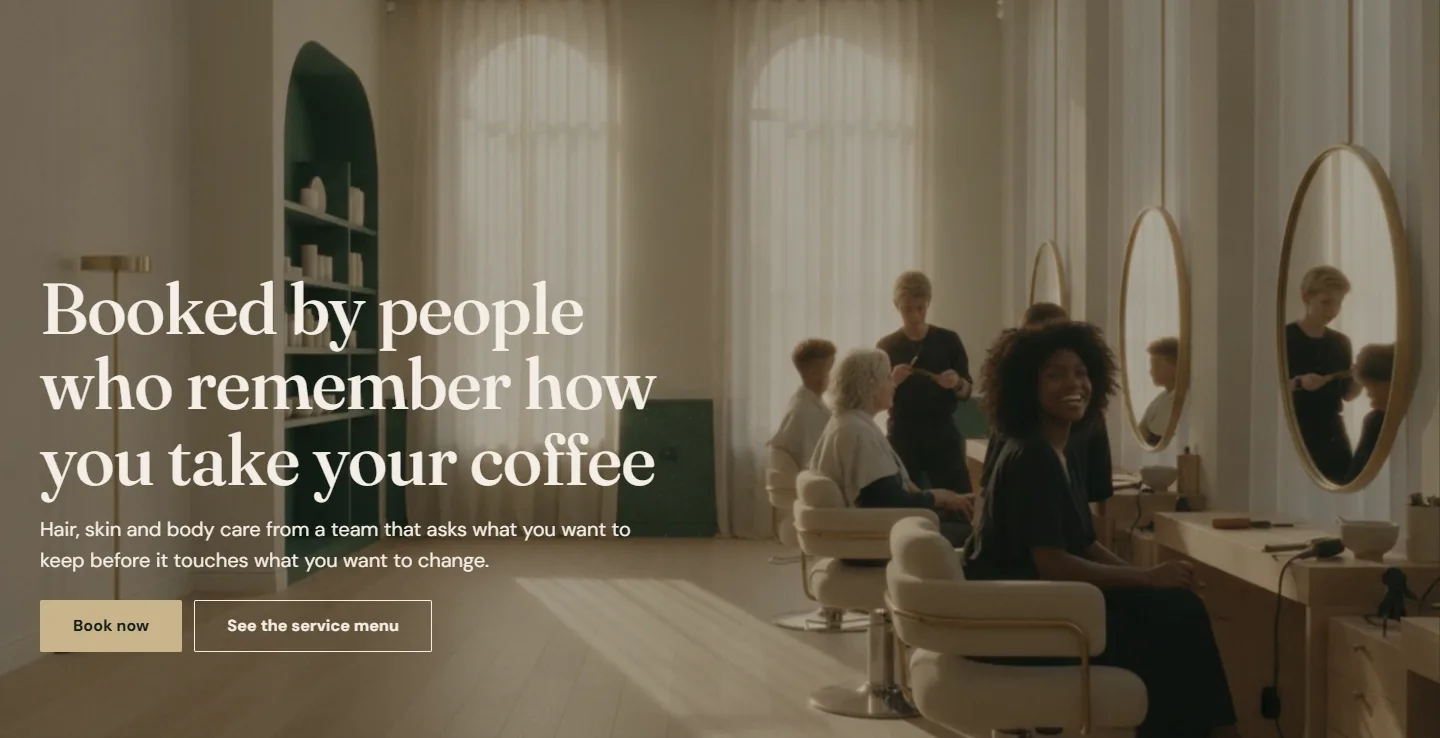
Atrium
Multi-location salon groupsFraunces headings, DM Sans body
What it ships withLive demo at launch
A Shopify theme by Aqsa Shahzad · for Plus stores on Zenoti
Every Book button deep-links into your Zenoti Webstore. Location pages carry their own hours, menu and team. The expert directory runs on metafields, so a group with forty stylists edits a spreadsheet, not a theme. Five presets ship in the box.
The Theme Store listing goes live when Atrium is approved. Until then, the documentation is the best way to see everything it does.
Built on Online Store 2.0 for Shopify Plus, booking through Zenoti.
Why Atrium ·01
Most salon sites hand booking to an embed: a third-party script on every page, a spinner, a form that looks like someone else's. Atrium builds a link instead.
The build it grew from
The team behind Atrium built the Gene Juarez storefront on Shopify Plus first: thirteen locations across Washington, every Book Now deep-linked into Zenoti, editable sections for the in-house marketing team. Atrium packages that architecture for the Theme Store.
Read the Gene Juarez case studyAqsa has been a tenacious and consistent collaborator. She has elucidated challenges and provided solutions throughout the process to improve our site. We're so pleased with the new theme and custom functionality.
Gene Juarez marketing team · multi-location salon and spa group, Pacific Northwest
What it does ·02
Services first, then locations, then the people who do the work, then a shop for the products they reach for.
Every Book button is a link built from your Zenoti Webstore address and the service, category, membership or package ID you paste into the block. Nothing loads from a third party, the storefront stays fast, and you can change providers without touching the theme.
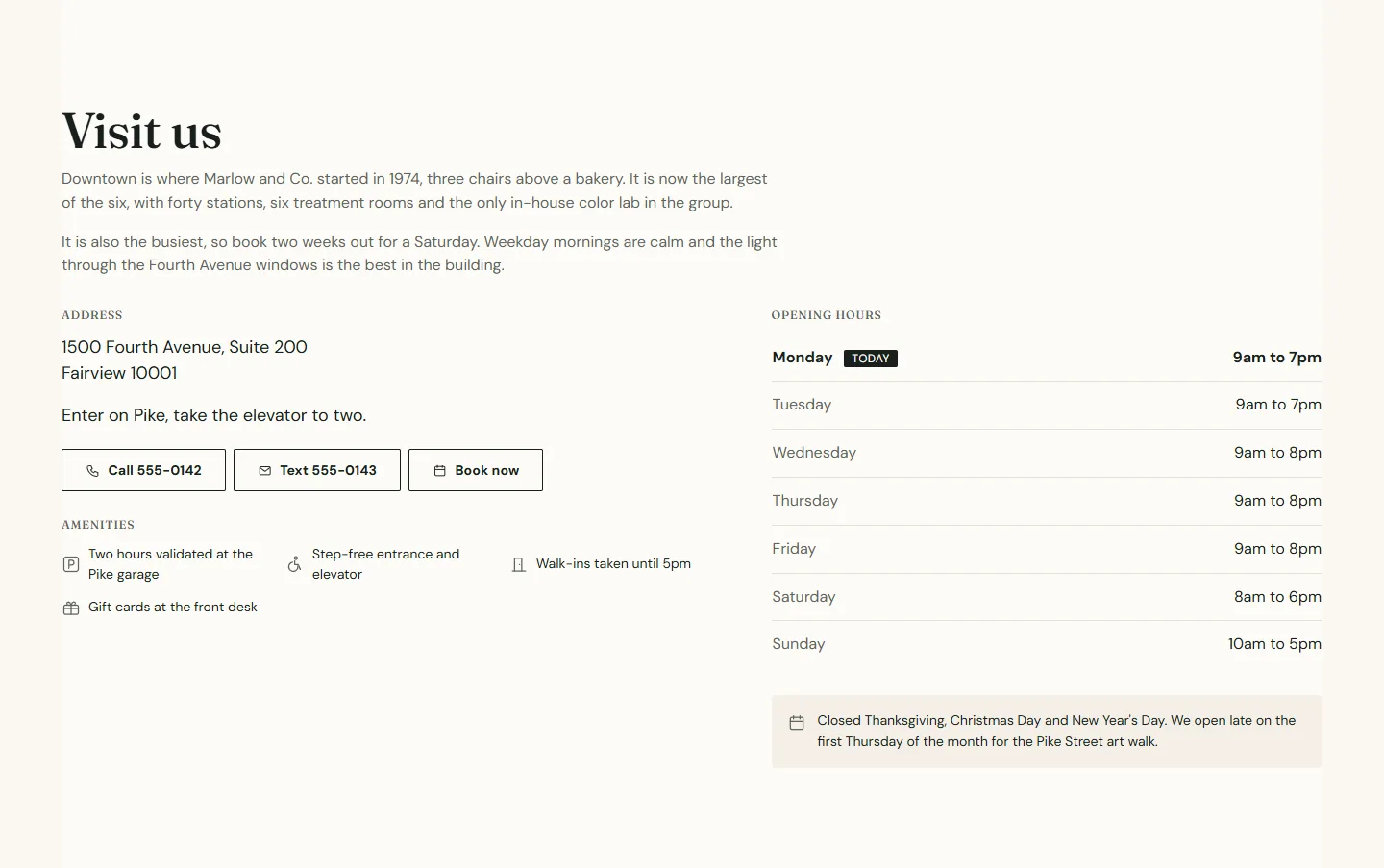
One template per location: a hero with address, phone, text line and today's hours, a details section with the week's hours and today highlighted, amenities, a holiday note, that location's menu and team, and nearby locations. Plus a finder with search, a region filter and nearest-first sorting.
Small teams add a block per person. Large groups keep experts as products in a collection, manage them with Shopify's bulk editor and CSV import, and let the theme read role, location, level, specialties and booking link from metafields. Filters build themselves; every expert can have a profile page.
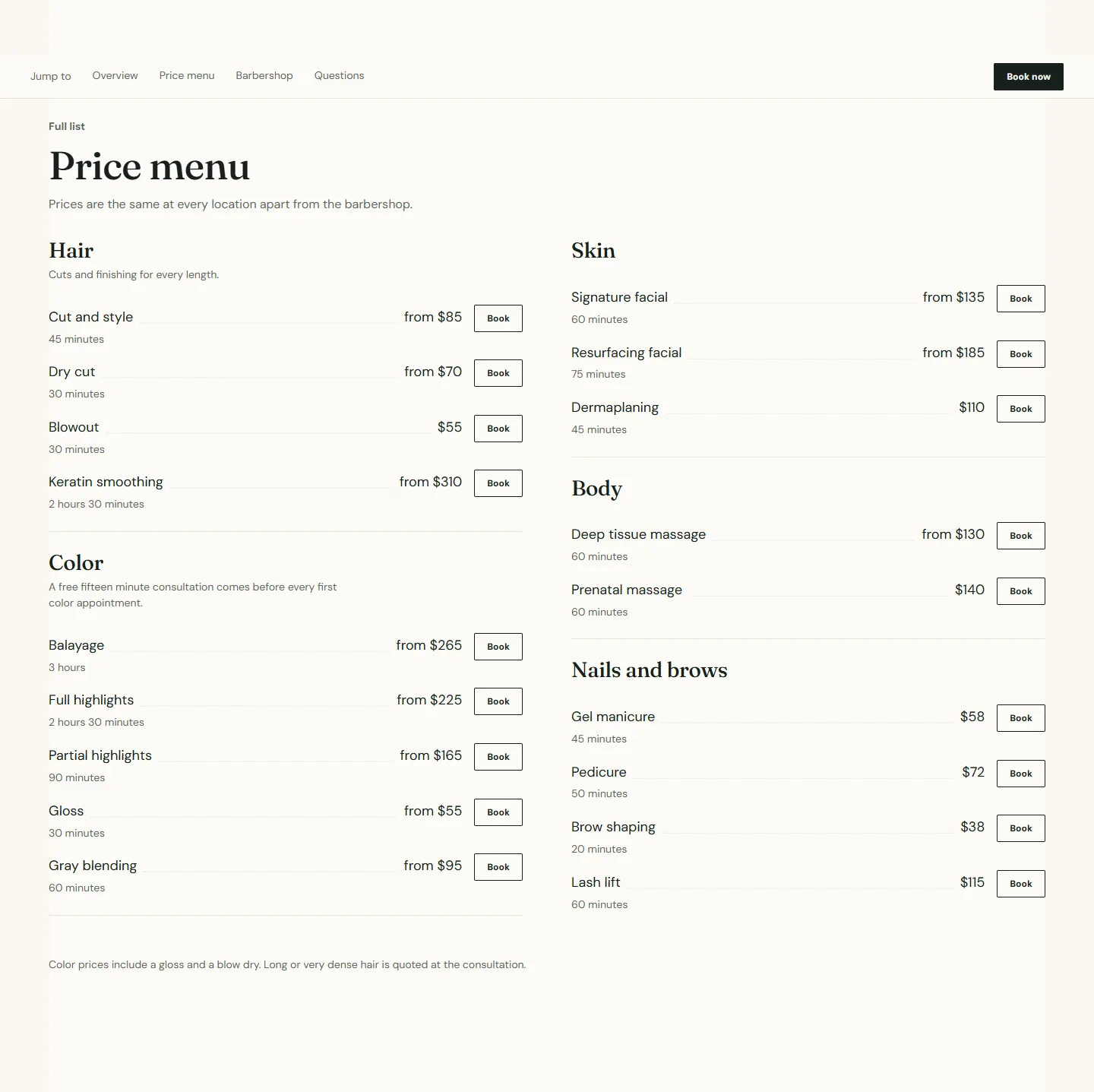
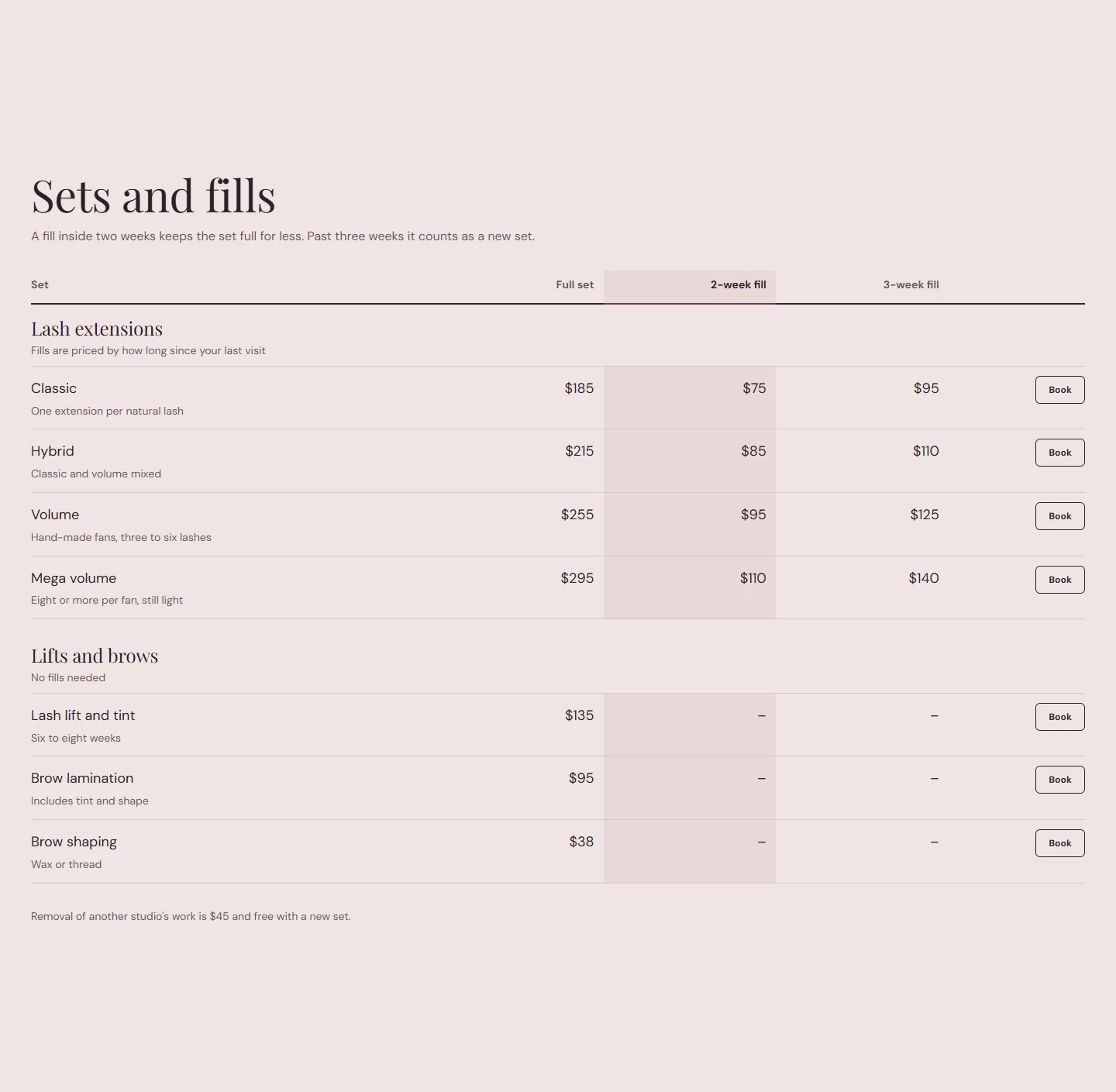
Grouped menus with duration, price and a Book button per row, in a collapsible or open list. Price tables with up to four columns for stylist levels, member prices or fill intervals, a highlighted column and a printed-menu style with dotted leaders.
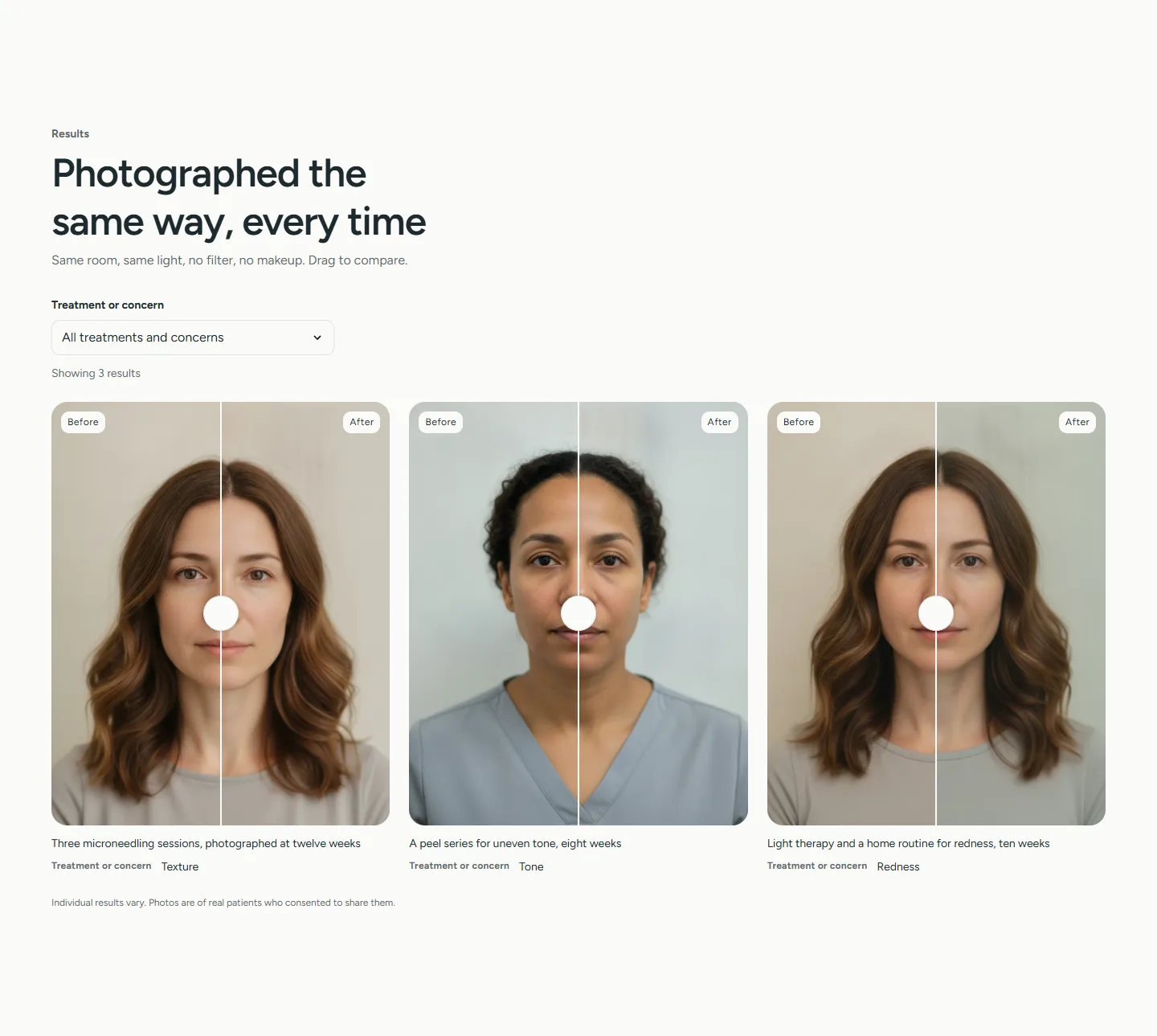
Drag-to-compare pairs with captions, a filter by treatment or concern, and a results disclaimer you word yourself, above or below the gallery. The handle is a native slider, so it works with a finger, a mouse, a keyboard and a screen reader.
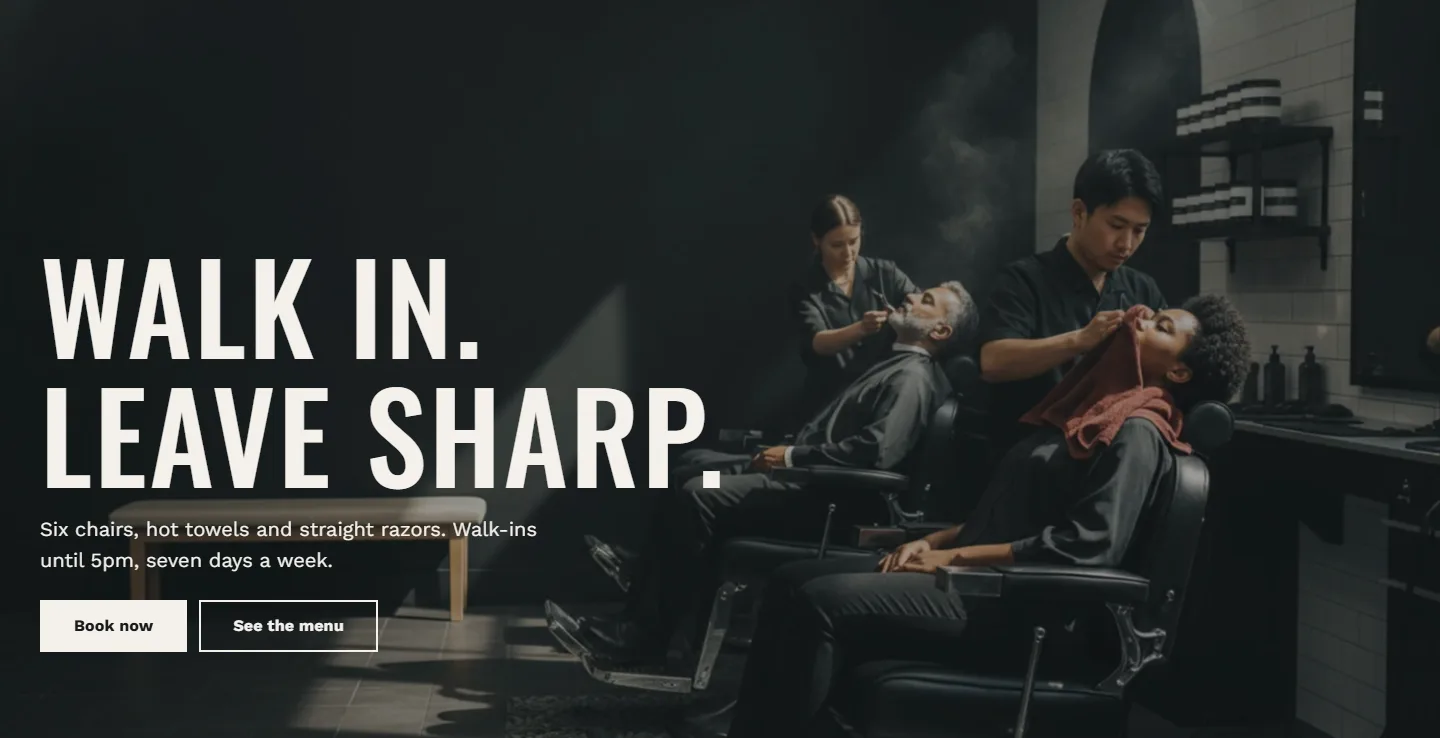
Atrium for salon groups, Barber, Spa, Clinic and Lash. Each sets colors, type, corners and a different home page: a printed menu for the barbershop, a visit walkthrough for the spa, concerns and results for the clinic, a fill matrix for the lash studio. Every preset has every section.
Built for groups ·03
Atrium is sized for the businesses that outgrow a single-location template. The parts that multiply with the group live in Shopify data, not in hand-edited blocks.
A collection of experts with metafields for role, location, level, specialties and booking link. Edit forty people in the bulk editor or a CSV; the Team grid, its filters and the profile pages read the result.
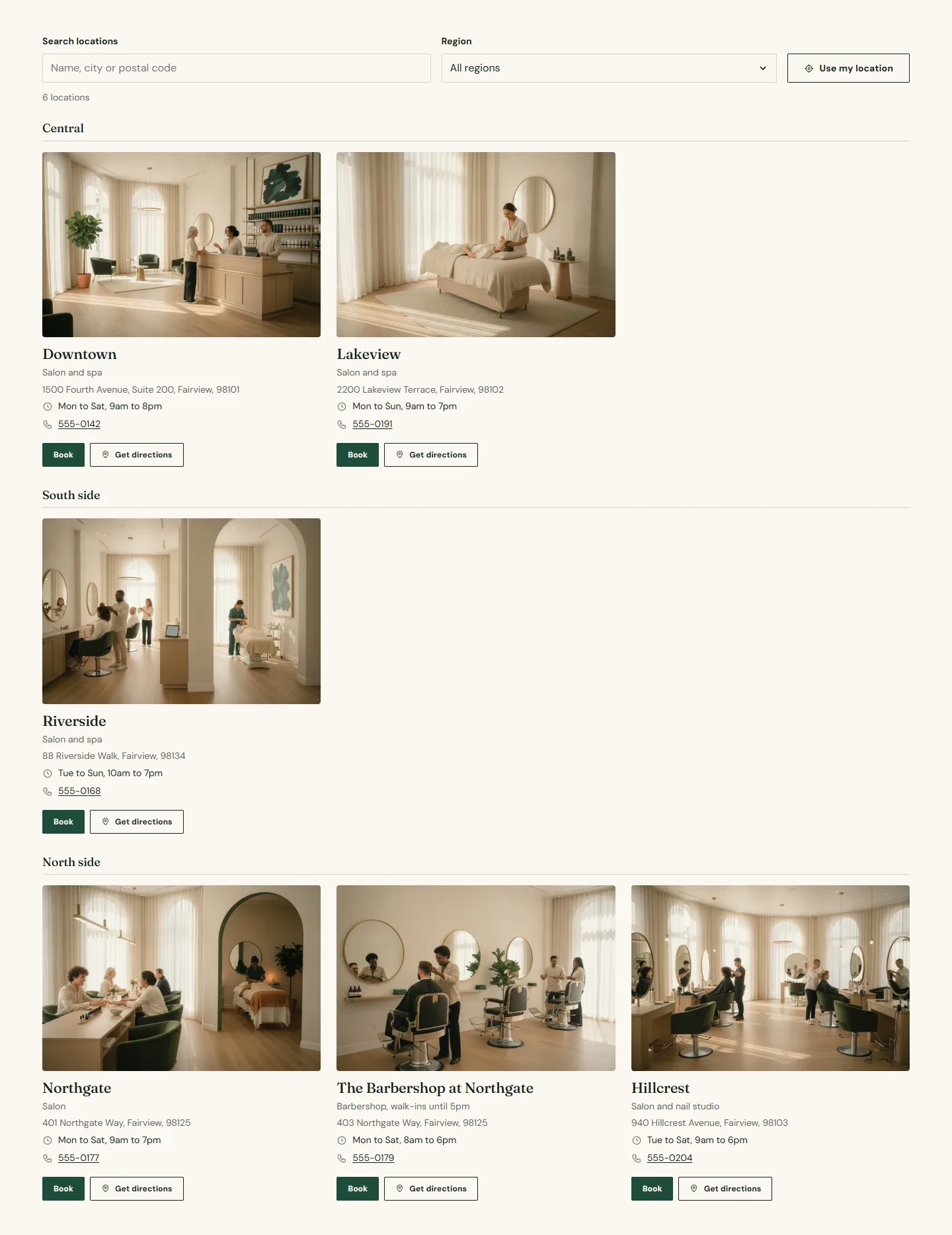
Search, a region filter and nearest-first sorting from the guest's device, in a grid or on a map. Each location page then carries its own hours, holiday note, menu and team.
Price tables with up to four columns for stylist levels, member prices or fill intervals, with one column highlighted.
Enable markets and languages in Shopify and the footer shows country and language selectors. Every string in the theme is translatable.

Presets ·04
Choose by mood, not by feature: every preset has every section. Each demo below is the same store with a different preset applied, so you can compare the same pages.
Fraunces headings, DM Sans body
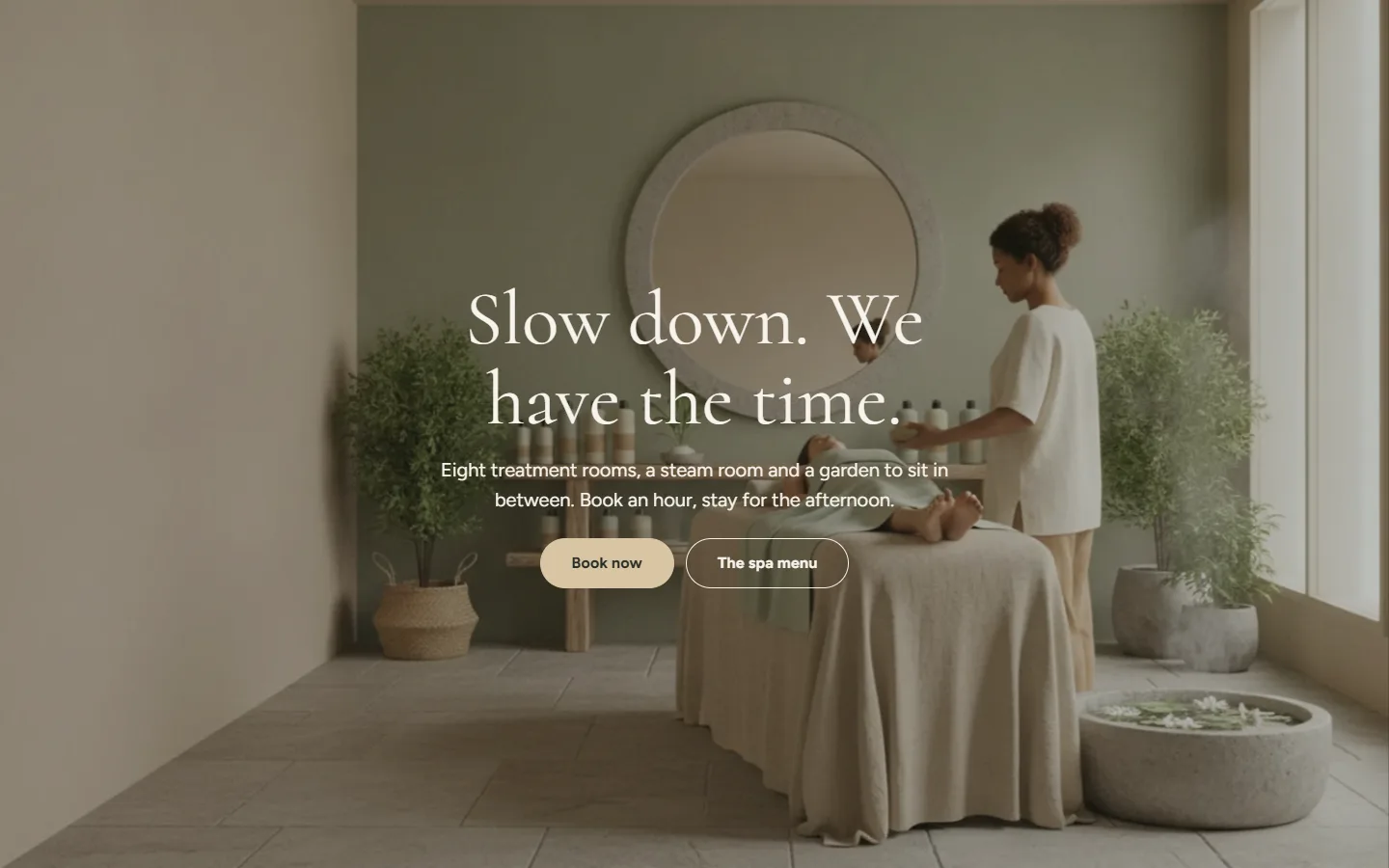
Cormorant headings, Figtree body
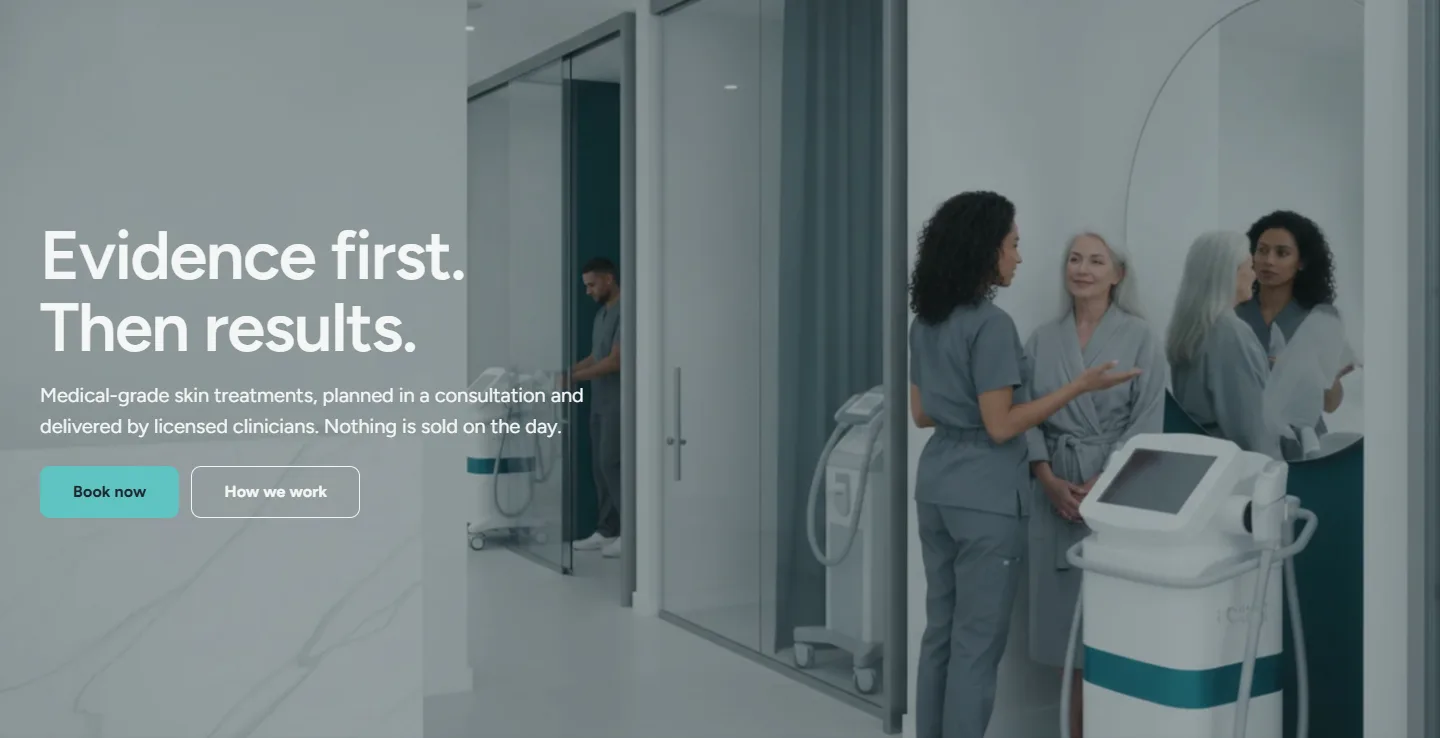
Figtree headings, Figtree body
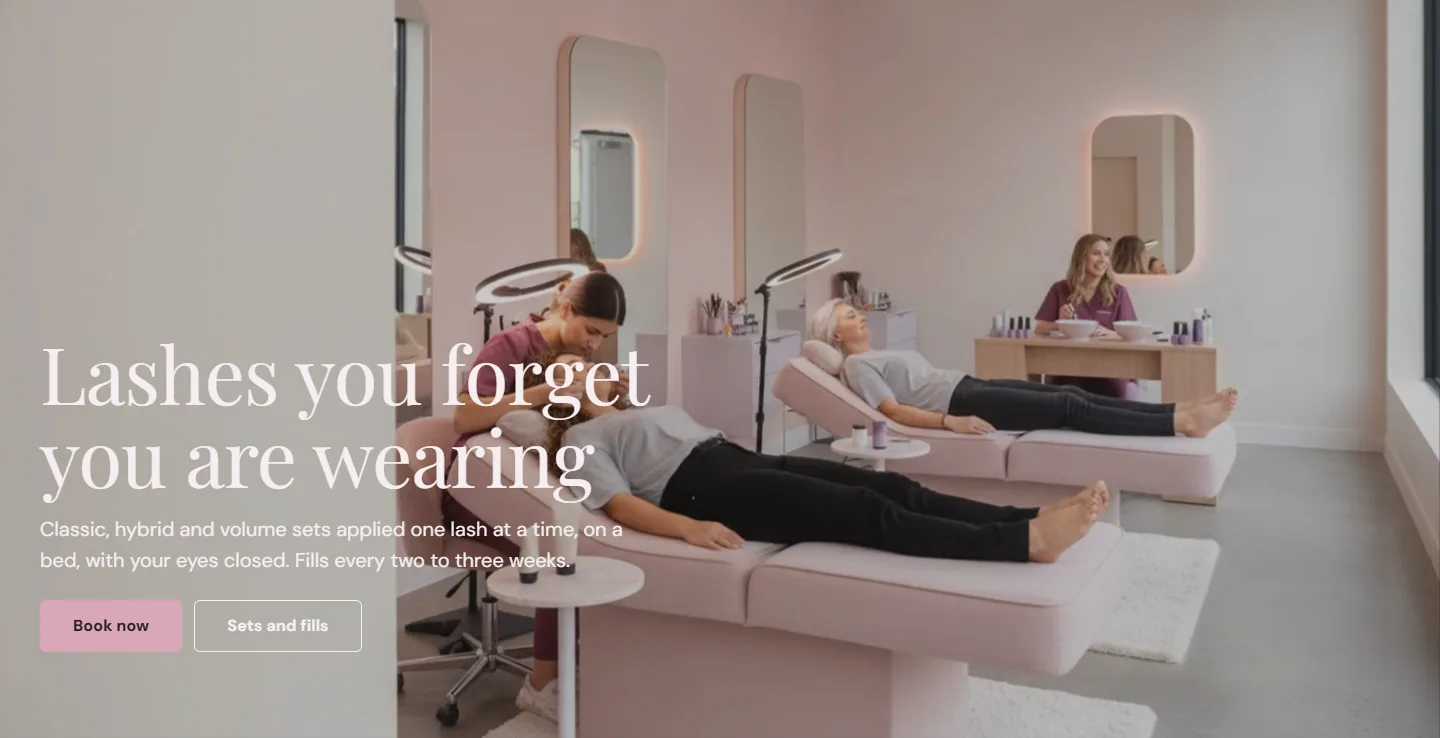
Playfair Display headings, DM Sans body
Sections ·05
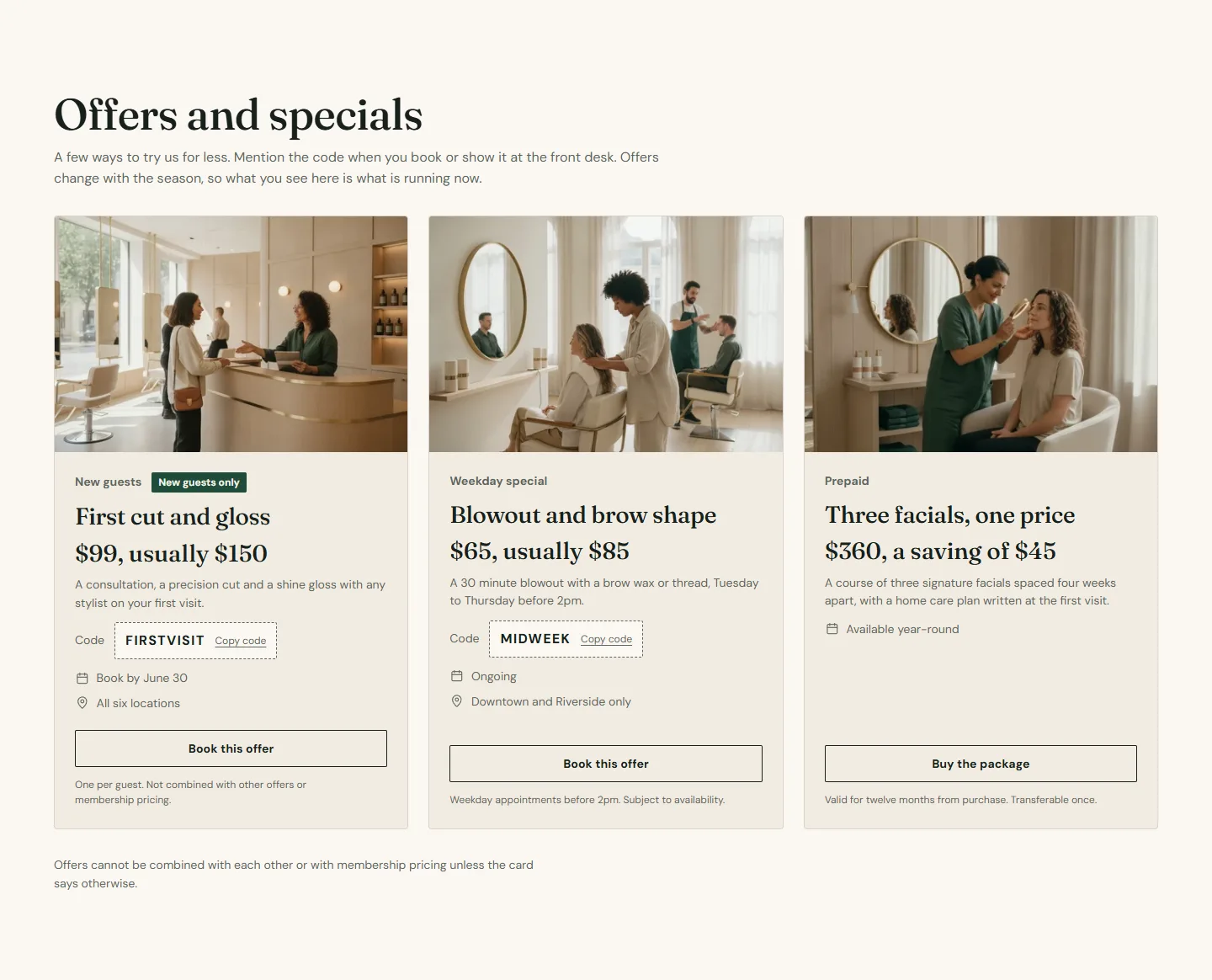
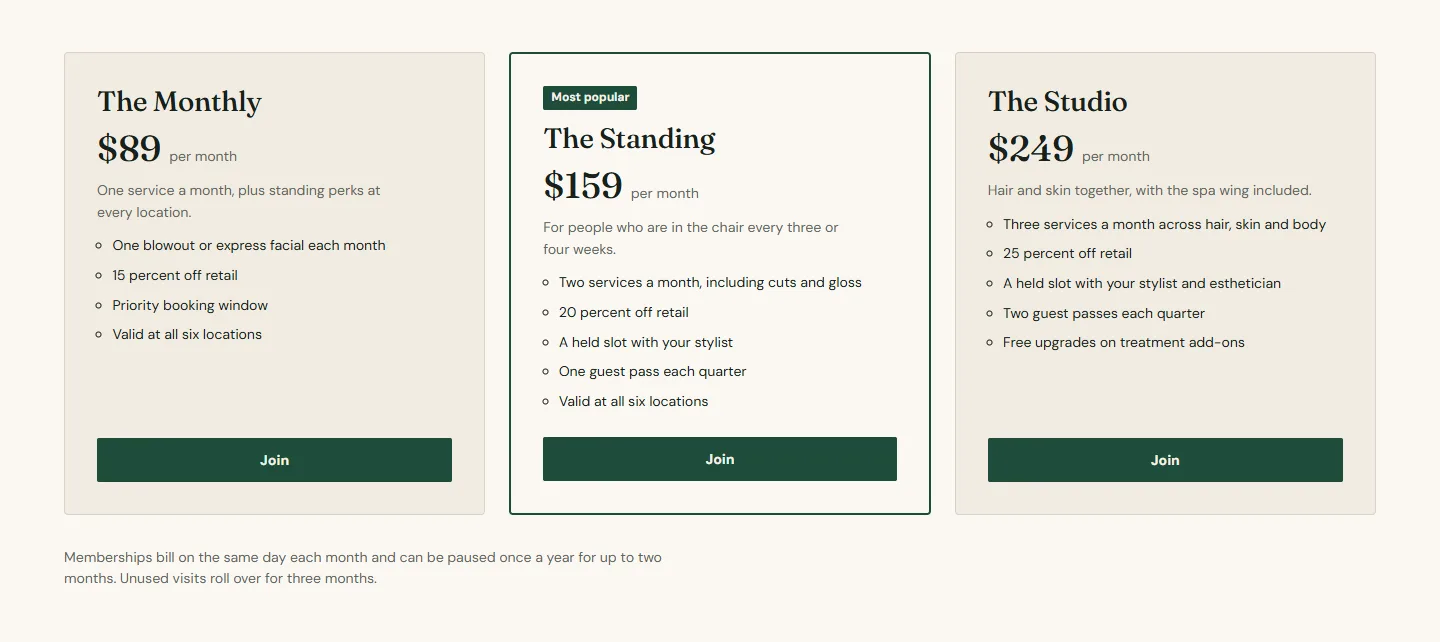
Every one takes a color scheme, a padding and a full-width switch, so they sit together on a page.
From install to live ·06
Every step below is an article, written by the name you see in the theme editor and checked against the demo store's own settings.
Ten minutes
Five minutes with your Zenoti address
The whole demo store, page by page
Blocks for small teams, metafields past forty
What carries across from the old theme
Included ·07
The terms every theme on the Shopify Theme Store is sold under, and what Atrium adds to them.
Sections on every template, app blocks, selling plans, Shop Pay Installments, pickup availability, product recommendations, Follow on Shop and the account component in the header.
No external scripts, no app dependencies, one critical stylesheet, preloaded fonts and lazy images. Shopify tests every Theme Store theme for performance before listing it.
Try Atrium on your store for as long as you like and pay only when you publish it.
Every new version of Atrium reaches your store through Shopify, with your settings and content carried over.
Buy it once for one store and use it for as long as the store exists.
A reply within two business days, and critical bugs fixed as soon as they are found. Documentation for every section and setting.
Before you install ·08
Six of the fourteen questions in the documentation. Every answer links to the article that goes into detail.
Zenoti has no public link that pre-selects a provider. Give each expert a booking link metafield and the profile uses it; otherwise the button books the service and the guest picks the stylist in Zenoti. Read the answer
Yes. Enable markets and languages in Shopify and the footer shows country and language selectors. All theme text is translatable. Read the answer
Create a template from location in the theme editor, fill it in, then assign it to the page under Online Store → Pages. Read the answer
Open the service in your Webstore and copy the code after serviceid= in the address bar. Read the answer
Shopify allows fifty blocks per section. Split a long menu across a category page per group, and keep the home page to the services people come for. Read the answer
You can, and the code is written to be readable. Duplicate the theme first so you can roll back. Customizations are outside support. Read the answer
Need more than a theme?
Custom sections, Zenoti-native booking on a bespoke theme, server-side tracking, migrations that keep every SEO signal. Aqsa Shahzad Official is a senior-only Shopify Plus agency; Atrium is what its salon and spa work looks like as a product.
Next step
Every section, every setting and the whole demo store, page by page. If something in there does not answer your question, the support form does.