

The cart has two homes: the global settings under Theme settings → Cart that decide how it behaves everywhere, and two sections, the Cart drawer in the overlay group and the Cart section on the cart page, that set the details of each.
Theme settings → Cart
- Cart type is Drawer or Page. With Drawer, adding a product slides the cart in from the side on every page and the cart icon opens it. With Page, adding a product stays on the page and the icon goes to the cart page. Stores that sell mostly services and a few products usually keep the drawer.
- Show order note adds a text field for a note to the order, on the cart page.
- Show product recommendations in cart shows complementary products in the drawer, drawn from the Search and Discovery app's complementary products for the items in the cart.
Theme settings → Cart
Every setting in this group- Cart typeChoice: Drawer, Page · Drawer
- Show order noteCheckbox · On
- Show product recommendations in cartCheckbox · On
The cart drawer section
Found in the overlay group at the bottom of the section list. It only renders when Cart type is Drawer, and never on the cart page itself.
- Show accelerated checkout buttons shows Shop Pay, PayPal and the other wallets your store accepts below the Checkout button. Leave it on; guests who already have a wallet check out in one tap.
- Free shipping threshold shows how far the guest is from free shipping. Enter the same amount as your free shipping rate; leave it blank to hide the bar.
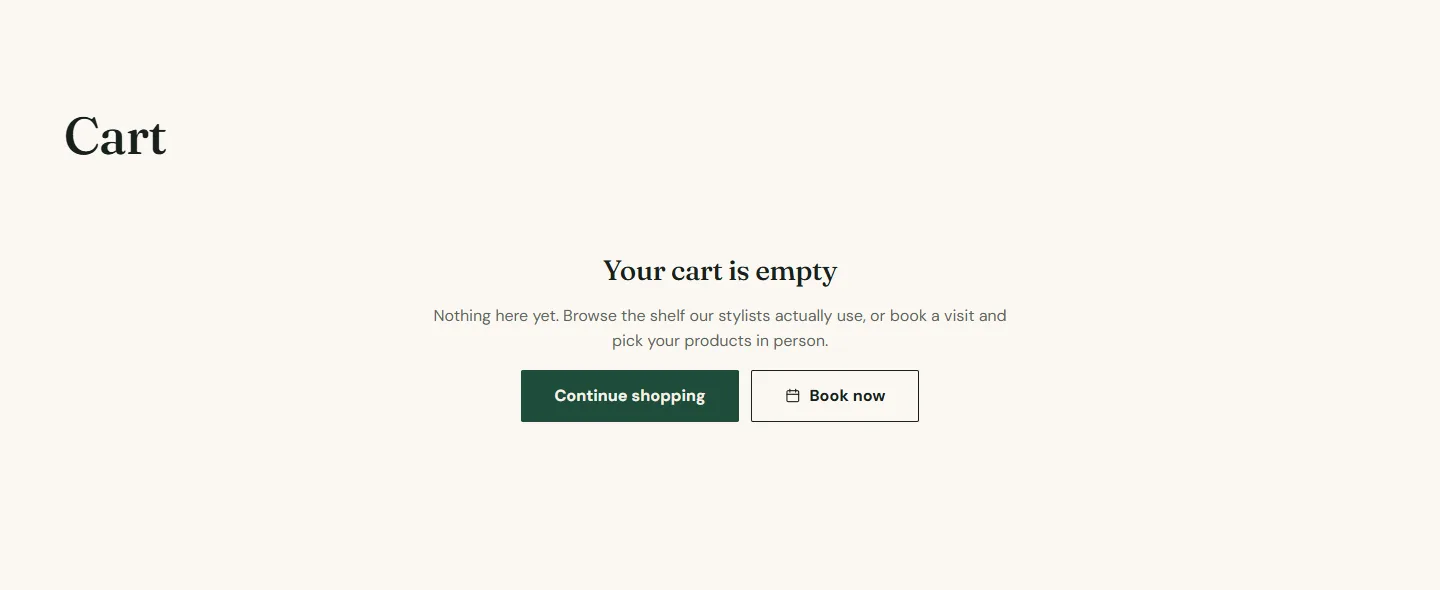
- Continue shopping link is where the empty drawer's button goes, your catalog page by default.
- Show Book now button adds a booking button to the empty drawer, hidden until a booking address is set. An empty cart is a good moment to offer an appointment.
Cart drawer section
Every setting, with its control and default- Color schemeColor scheme · Scheme 1
- Show accelerated checkout buttonsCheckbox · OnShows Shop Pay, PayPal and the other wallets your store accepts, below the Checkout button.
- Free shipping thresholdNumberShows how far a customer is from free shipping. Leave blank to hide it. Enter the same amount you set in your shipping rates.
- Continue shopping linkLinkDefaults to your catalog page.
- Show Book now buttonCheckbox · OnAdds your booking link to the empty drawer. Hidden until a booking address is set.
The cart page section
The same four settings, plus Section padding, on the Cart section of the cart template. The page also shows the order note when it is on, line item discounts, subscription details for selling plans and the tax and shipping note.
Quick add
Show quick add button under Theme settings → Product cards adds a button to every product card. Products with one variant and no subscription plan go straight to the cart; products with several variants show a Choose options button that opens the product page.