

Adding a product opens the cart drawer (or stays on the page with Cart type set to Page). Both the drawer and the cart page show the same things: line items with quantity controls, line discounts, subscription details, the free shipping bar, the subtotal with the tax and shipping note, the Checkout button and the accelerated checkout wallets.
Line items
Each line shows the image, title, variant, selling plan name if any, unit price where set, quantity controls and a remove link. Changing the quantity updates the totals in place. Automatic discounts and discount codes applied on the line show under the price; order-level discounts show in the summary.
The summary
- The free shipping bar shows how far the guest is from the Free shipping threshold set on the section. Enter the same amount as your free shipping rate so the two never disagree.
- The subtotal, a tax and shipping note that follows your store's tax settings, the Checkout button, and the accelerated checkout wallets when Show accelerated checkout buttons is on.
- An order note field when Show order note is on under Theme settings → Cart.
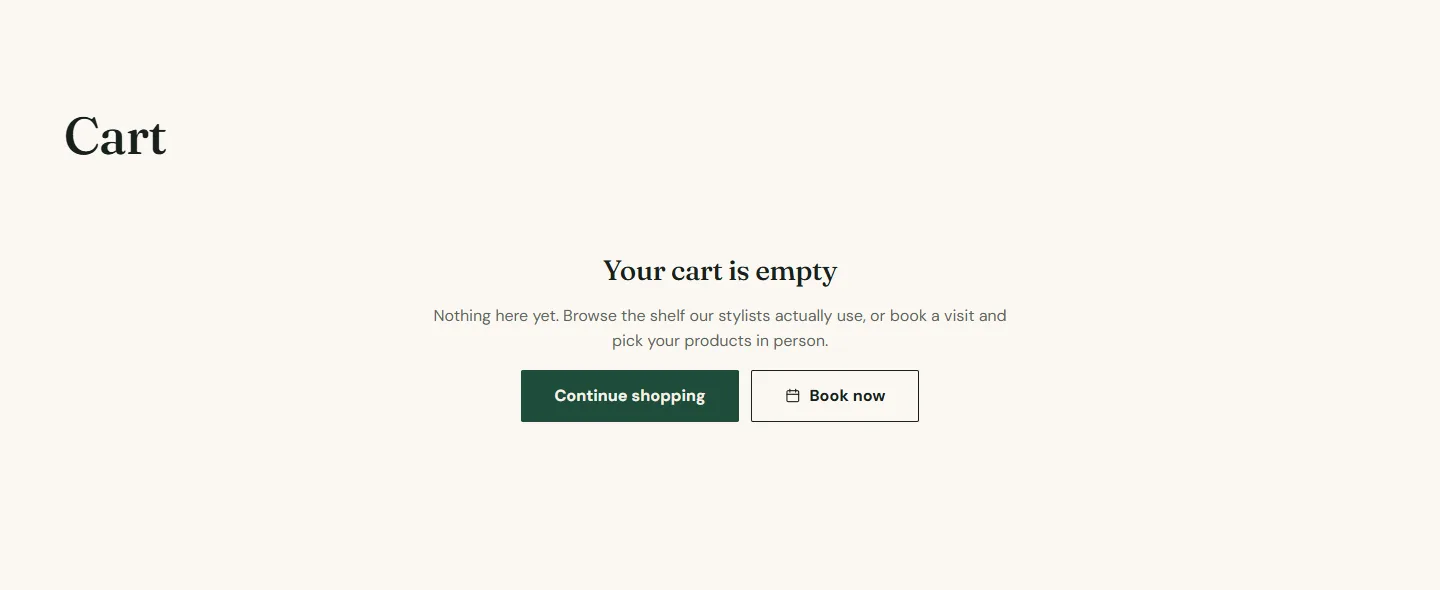
Empty state
The empty drawer and empty page show a Continue shopping link (your catalog by default) and a Book now button when Show Book now button is on, hidden until a booking address is set.
Cart section
Every setting, with its control and default- Color schemeColor scheme · Scheme 1
- Section paddingChoice: None, Small, Regular, Large · Regular
- Show accelerated checkout buttonsCheckbox · OnShows Shop Pay, PayPal and the other wallets your store accepts, below the Checkout button.
- Free shipping thresholdNumberShows how far a customer is from free shipping. Leave blank to hide it. Enter the same amount you set in your shipping rates.
- Continue shopping linkLinkDefaults to your catalog page.
- Show Book now buttonCheckbox · OnAdds your booking link to the empty cart. Hidden until a booking address is set.
Recommendations in the drawer
Show product recommendations in cart under Theme settings → Cart adds complementary products to the drawer, from the Search and Discovery app's complementary product rules. Add a rule per hero product (a shampoo suggests its conditioner) and the drawer sells for you.
Checkout
Checkout is Shopify's, not the theme's. Its logo, colors and fonts are set under Settings → Checkout → Customize in your admin. Pick the same heading and body fonts you chose under Theme settings → Typography so the hand-off is seamless.