

Video appears in four places in Atrium, and each is tuned for how it is used: a section that plays with controls, a hero slide that plays silently behind text, a short loop beside a service, and product media.
The Video section
- Shopify-hosted video plays with controls and takes priority over a link. Upload it under Content → Files or straight from the setting.
- YouTube or Vimeo link embeds the video from the host. Nothing loads from the host until someone presses play, so the page stays fast and no cookies are set before consent.
- Cover image is shown before playback, used with a YouTube or Vimeo link. Without one the host's thumbnail is used.
- Video description describes the video for people using a screen reader.
- Shape is Widescreen, Landscape or Square. Caption is a line under the video.
- Eyebrow, Heading, Text, Heading alignment, Full width and Section padding as on other sections.
Video section
Every setting, with its control and default- Color schemeColor scheme · Scheme 1
- EyebrowText
- HeadingText · A morning at Northgate
- TextRich text
- Heading alignmentChoice: Left, Center · Left
- Shopify-hosted videoVideoPlays with controls, and takes priority over a YouTube or Vimeo link.
- YouTube or Vimeo linkVideo linkNothing loads from the video host until someone presses play.
- Cover imageImageShown before playback starts. Used with a YouTube or Vimeo link.
- Video descriptionTextDescribes the video for people using a screen reader.
- ShapeChoice: Widescreen, Landscape, Square · Widescreen
- CaptionText
- Full widthCheckbox · Off
- Section paddingChoice: None, Small, Regular, Large · Regular
Background video in the hero
A Slide block in the Hero has a Video setting. A Shopify-hosted video plays muted and on a loop, replacing the image, with Shopify's preview frame shown while it loads. Keep it short, under fifteen seconds, and shoot it with low contrast so the headline reads; the slide's Overlay helps. Set the slide's Image as well: it is what shows on a browser that blocks autoplay and in the theme editor's preview.
Video beside a service
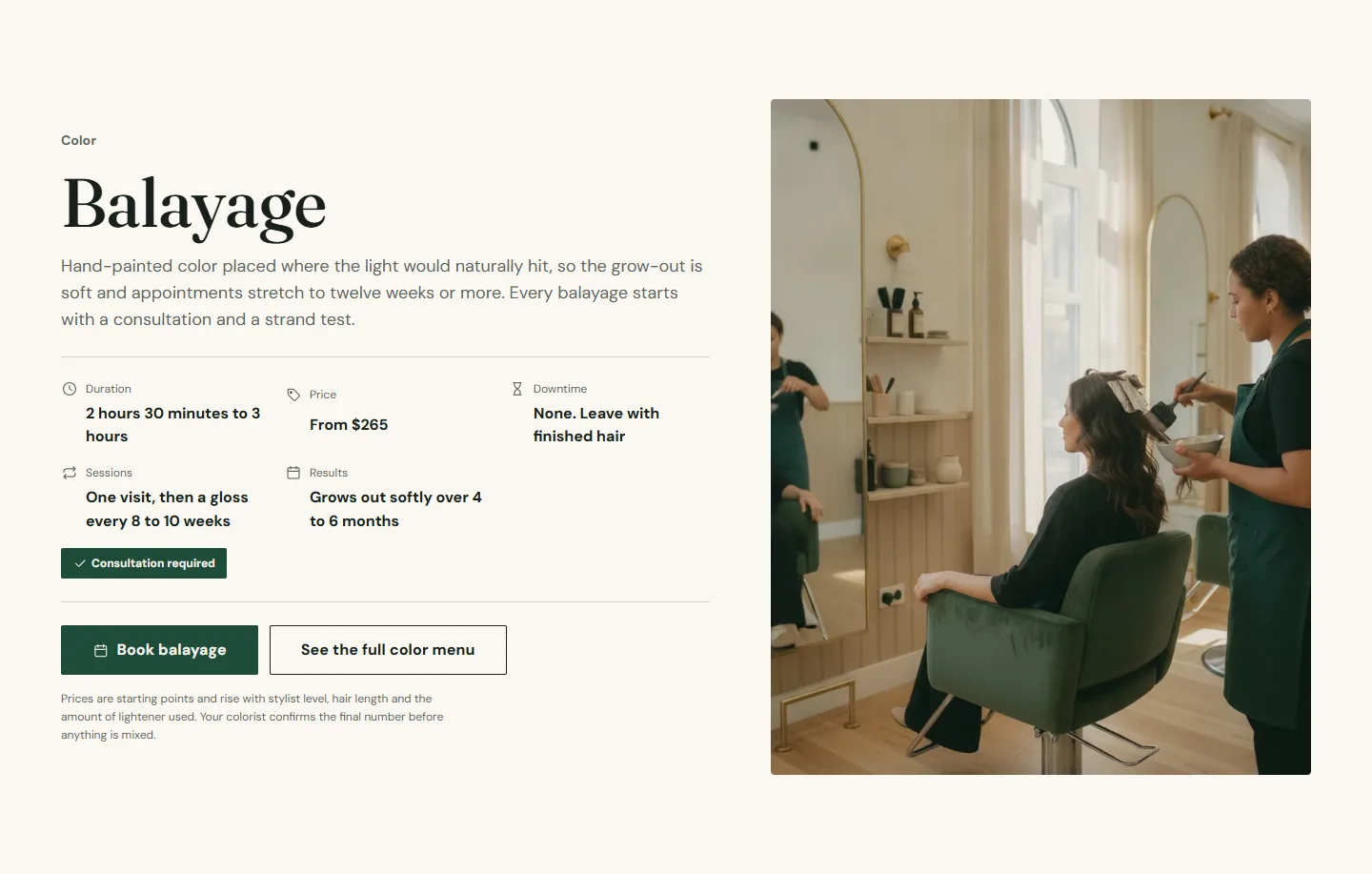
The Service facts section takes a Video that plays muted on a loop in the media slot, replacing the Image. Twenty seconds or less.
Product videos
Add a video to a product's media in the admin and it plays in the product gallery with controls. Loop videos on the Product information section repeats it. YouTube and Vimeo links in product media work the same way. Product media also supports 3D models, shown with a rotate control.
File size
Shopify serves hosted video in several qualities, so upload the best original you have (1080p is plenty) and let Shopify choose per device. A hero loop of ten seconds at 1080p is usually under ten megabytes.