

The Gallery shows up to sixteen photos as a mosaic. Most tiles are square; one or two set to Feature take a two-by-two space, which is what turns a grid into a layout. Guests tap any tile to see it full size.
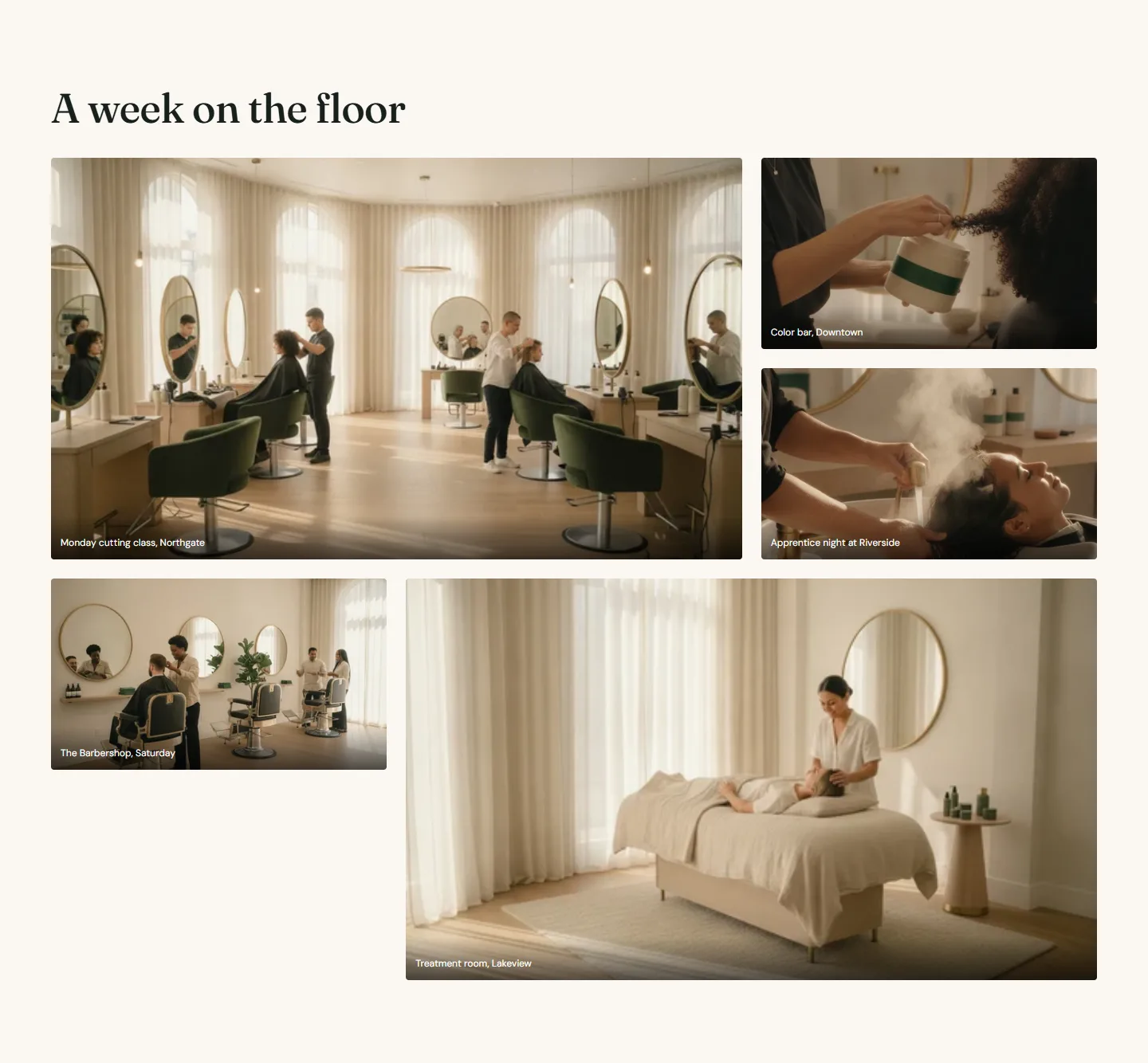
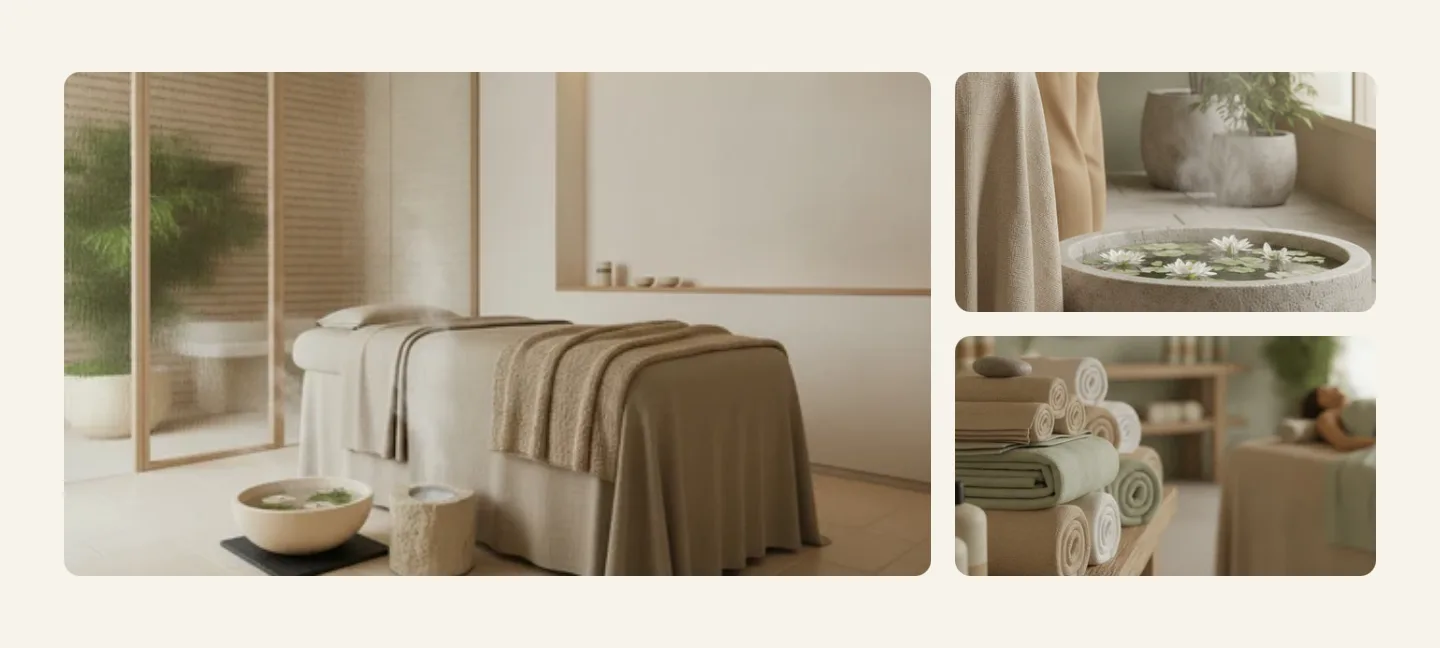
Image blocks
- Image. Upload square, 1200 by 1200; a Feature tile shows the same image at twice the size.
- Tile size is Regular or Feature. A Feature tile takes two columns and two rows, so one Feature plus two Regular tiles fill a three-column row.
- Caption, shown over the tile on hover and under it in the full-size view.
- Link turns the tile into a link and switches off the full-size view for it. Use it for a post, a service page or a location.
Gallery section
Every setting, with its control and default- Color schemeColor scheme · Scheme 1
- EyebrowText
- HeadingText · Inside the salons
- TextRich text
- Heading alignmentChoice: Left, Center · Left
- Columns on desktopSlider: 2 to 4 · 3Mobile always shows two columns.
- Open images full sizeCheckbox · OnImages that have their own link always follow the link instead.
- Full widthCheckbox · Off
- Section paddingChoice: None, Small, Regular, Large · Regular
Image block
Up to 16 blocks in the section- ImageImage
- Tile sizeChoice: Regular, Feature · RegularA feature tile takes two columns and two rows. One feature plus two regular tiles fills a three-column row.
- CaptionText
- LinkLinkTurns the image into a link and switches off the full size view for it.
Section settings
- Eyebrow, Heading, Text and Heading alignment.
- Columns on desktop, 2 to 4. Phones always show two columns.
- Open images full size turns the full-size view on or off for the section. Tiles with a link always follow the link.
- Color scheme, Full width and Section padding.
Gallery section
Every setting, with its control and default- Color schemeColor scheme · Scheme 1
- EyebrowText
- HeadingText · Inside the salons
- TextRich text
- Heading alignmentChoice: Left, Center · Left
- Columns on desktopSlider: 2 to 4 · 3Mobile always shows two columns.
- Open images full sizeCheckbox · OnImages that have their own link always follow the link instead.
- Full widthCheckbox · Off
- Section paddingChoice: None, Small, Regular, Large · Regular
Arranging a mosaic
Order matters: tiles fill left to right, top to bottom, and a Feature tile claims the next free two-by-two space. For a three-column gallery, a good rhythm is Feature, Regular, Regular, then Regular, Regular, Feature. Look at the preview as you drag blocks and stop when there are no gaps.
The Theme Store does not allow embedded feeds, so there is no Instagram section. Use the gallery with your own photos and give each tile a Link to the post. It loads faster, needs no app, and does not break when the feed API changes.