

Zenoti is the provider Atrium builds links for automatically, but nothing in the theme depends on it. Any provider that gives you a link to a booking page works: Vagaro, Fresha, Boulevard, Mindbody, Square Appointments, Booker, Phorest, Acuity, or your own booking site.
The short version
- Under Theme settings → Booking, set Booking site address to your provider's booking page for your business. This is the link the header button, the empty cart, the 404 page and any button without a more specific link will open.
- Wherever a section offers a Link field (also called Custom link or Booking link depending on the section), paste the provider's link for that service, membership or location. A filled link always wins over a built one.
- Leave Booking ID blank on those blocks. A blank ID with no link falls back to the booking home page from step 1.
For a single-location business with one booking page, step 1 alone is enough.
Per location
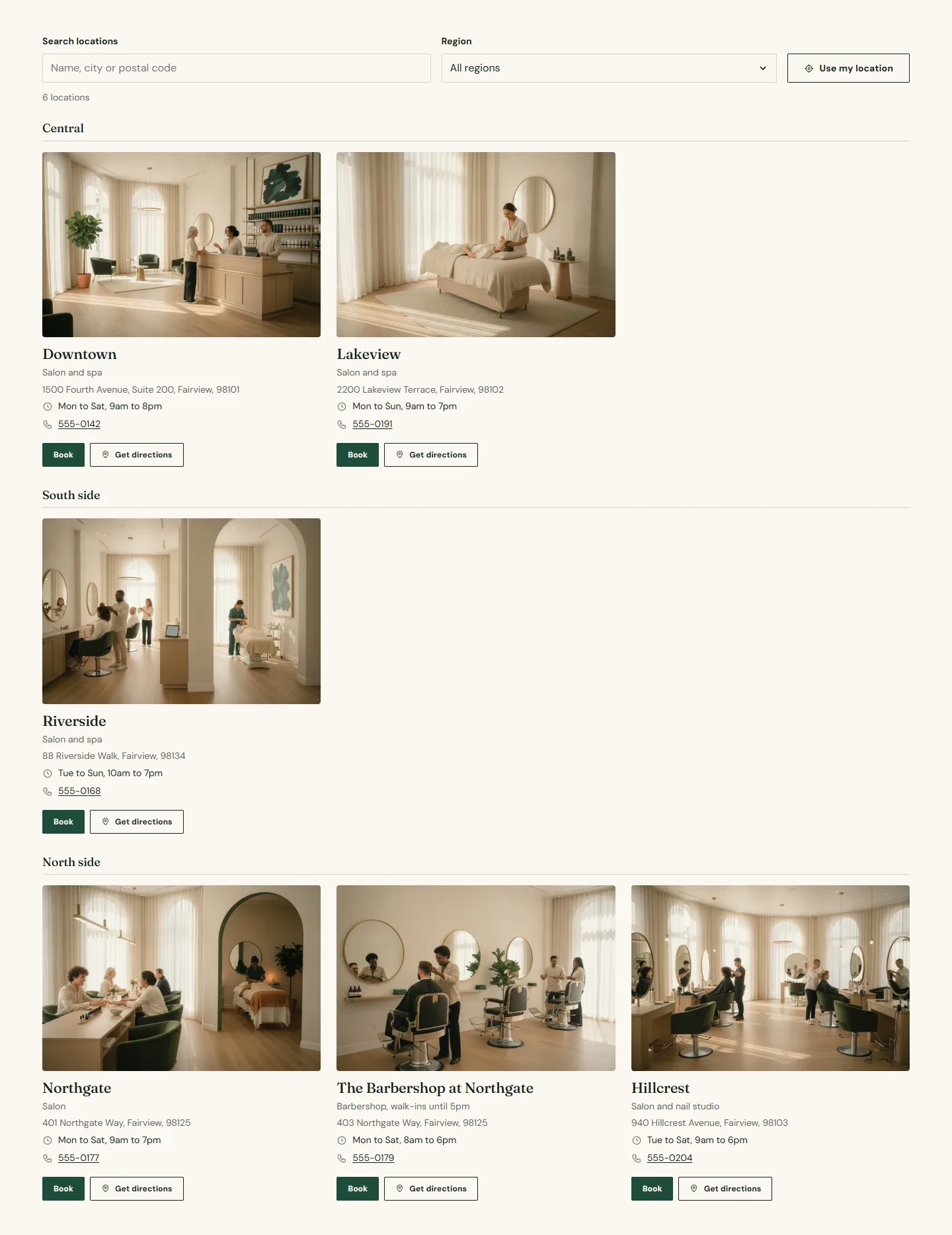
Every location block, location card, location hero and location details section has a Booking link field. Paste the provider's link for that location and the block's Book button uses it. The booking picker's location rows have the same field, so a guest who chooses a location in the dialog lands on the right page.
Per service and per plan
Service menu rows, services grid cards, price table rows, plans, offers and events each have a link field. If your provider gives you a deep link per service, paste it; if it only gives you one page, leave the field blank and let the row fall back to the location or the booking home page.
Widgets and embedded booking
Shopify's Theme Store does not allow a theme to load a third-party script, so Atrium has no widget setting. If your provider requires an embedded widget:
- Paste the embed code into a Custom Liquid section on the page where you want it. The section takes any HTML, including a script tag, and you are responsible for what it loads.
- Or use the Custom Liquid block on the product page and the expert profile page.
An embedded widget slows a page down, so most stores put it on one dedicated booking page and keep the link-based buttons everywhere else.
Gift cards
Gift cards page under Theme settings → Booking takes any URL. The gift card band's provider button uses it.